Lower cost for two platforms
Most of the code, including screens, business logic and API calls, is shared between iOS and Android, so each feature is built once and tested on both.
OXIOS is a React Native development company building cross-platform apps with Expo and TypeScript. One codebase runs on iOS and Android, native modules cover what JavaScript can't, and we tell you upfront if your product is better off fully native.
Most of the code, including screens, business logic and API calls, is shared between iOS and Android, so each feature is built once and tested on both.
Expo builds and over-the-air updates let us ship JavaScript fixes without waiting for a full store release, within the rules of both stores.
Camera, background location, Bluetooth, audio on the lock screen: when a feature needs platform APIs, we use maintained native modules or write our own.
React Native uses React and TypeScript, so web developers can read the code, and business logic can be shared with a React or Next.js web app.
iOS and Android apps built from scratch with React Native, Expo and TypeScript, together with the backend and admin panel.
Custom Swift and Kotlin modules or Expo config plugins for device features, SDKs and hardware that have no ready-made library.
Profiling slow screens, long lists and animations, moving heavy work off the JavaScript thread and using Reanimated for smooth animations.
Moving older React Native projects to current React Native and Expo SDK versions, the New Architecture and modern build tooling.
EAS Build and EAS Update setup, separate channels for testing and production, and automated builds for both stores.
A review of an existing React Native app covering architecture, dependencies, crashes and performance, with a plan to fix it or continue development.
We go through the feature list and check each device feature against React Native and Expo support, so there are no surprises halfway through.
Figma prototypes that respect iOS and Android conventions while keeping one shared design system.
Two-week sprints with daily syncs. After each sprint you get a demo and test builds for both platforms.
Testing on a range of iPhones and Android phones, including older and budget devices where performance problems show up first.
Store submission, over-the-air update setup, monitoring and regular React Native and Expo upgrades.
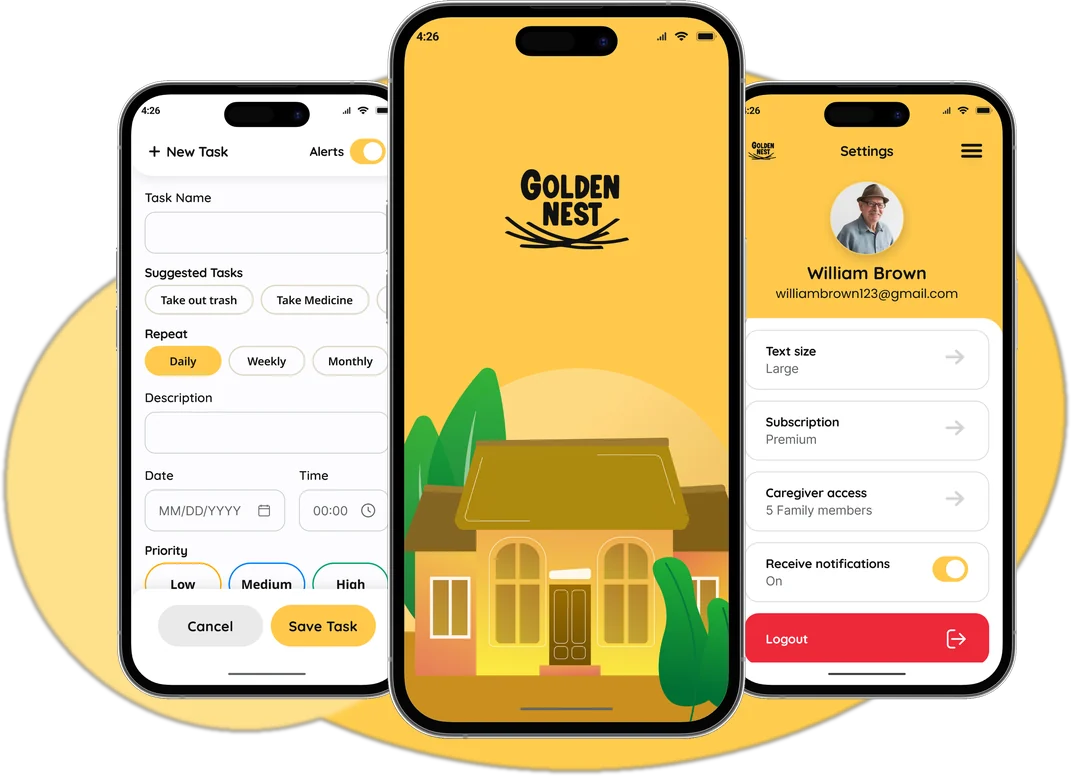
A daily companion app that helps seniors live independently — with reminders, home and garden guidance, and a Circle of Care for family.
Open case study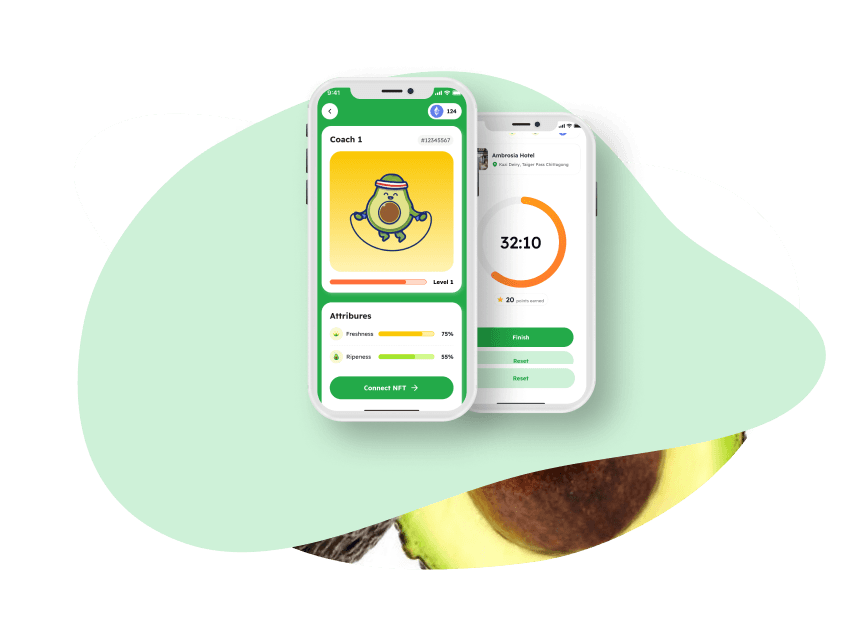
A mobile app that rewards healthy eating with cryptocurrency that can be spent at partner cafes.
Open case study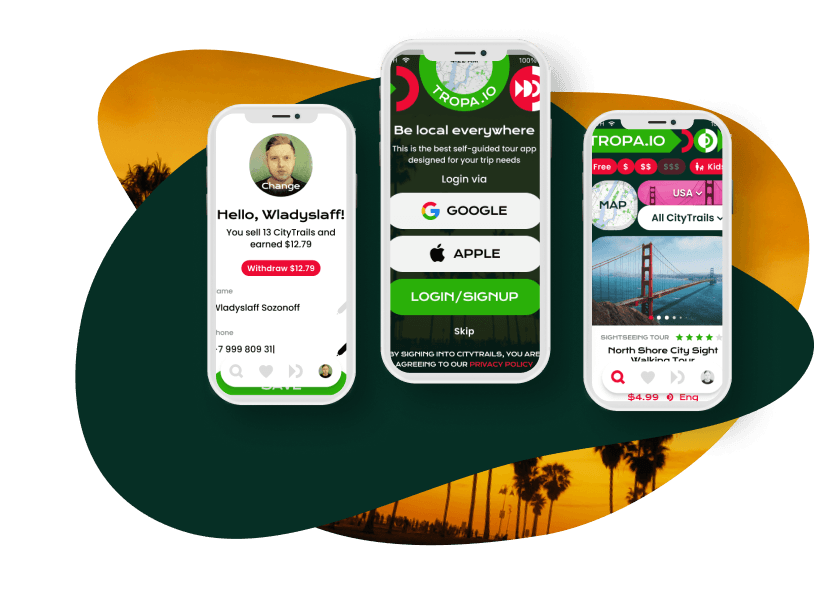
A self-guided tour app with shareable routes, offline maps and an audio guide that plays with the screen locked.
Open case studyReact Native lets one team write an app once and run it on iOS and Android. The interface is drawn with real native components, not a web page inside a wrapper, so the app looks and behaves like any other mobile app. For most products, such as booking, delivery, marketplaces, health, education and internal tools, React Native development cuts the cost of the second platform without a trade-off users would notice.
We build with Expo by default. It handles builds, signing, push notifications and over-the-air updates, and its config plugins let us add native code without giving up that convenience. When a feature needs something Expo doesn't cover, like a hardware SDK, a specific Bluetooth device or a custom background task, we write a native module in Swift or Kotlin. In Tropa, a self-guided tour app, routes work offline and the audio guide keeps playing on a locked screen. In Golden Nest, reminders and in-app purchase subscriptions had to work reliably on both stores. Crypto Cado, which rewards healthy eating with crypto tokens spendable at partner cafes, adds progress tracking and social challenges on a shared codebase.
Performance problems in React Native usually come from a few places: long lists rendered without virtualization, unnecessary re-renders, heavy calculations on the JavaScript thread and animations that don't run on the UI thread. We profile on real mid-range Android phones, not just new iPhones, because that's where slowdowns appear first, and fix the biggest causes before polishing details.
React Native is not always the answer. If your app is built around 3D graphics or games, real-time video or audio processing, AR, or using the newest platform features on the day they are released, fully native development or a game engine is often the better fit. We compare the options in React Native vs native and will tell you at the estimate stage if your idea falls into that group. To check whether React Native suits your product, send us a description.
Yes. React Native runs many large consumer apps and is maintained by Meta together with a broad community. Its New Architecture improved rendering and communication with native code. In practice, app quality depends far more on how the app is built, including state management, lists, animations and native modules, than on the framework itself. Most business apps never reach its limits.
Because most code is shared, you typically avoid building and maintaining two separate apps, which often saves a substantial part of the budget compared with two native teams. The exact saving depends on how many platform-specific features the app needs: the more custom native work, the smaller the difference. We show the comparison for your feature list in the estimate.
Expo is a toolkit on top of React Native that handles builds, signing, push notifications, over-the-air updates and many device APIs. We use it on new projects by default because it speeds up development and releases. With config plugins and development builds, Expo still allows custom native code, so it rarely blocks a feature.
When a feature depends on a platform API or a third-party SDK without a maintained React Native library: specific Bluetooth devices, custom background tasks, some payment or hardware SDKs, or advanced media processing. We check this during discovery. Writing a native module in Swift or Kotlin is a normal part of the work, not a reason to abandon React Native.
Yes. We start by profiling the app on real devices to find what actually causes the slowness: list rendering, re-renders, large images, heavy JavaScript work or animations on the wrong thread. Then we fix the biggest issues first and measure again. An upgrade to current React Native and Expo versions is often part of the plan.
JavaScript and asset changes can be delivered over the air with EAS Update, which is useful for urgent fixes. Changes to native code, permissions or functionality that store rules treat as significant still need a regular store release. We set up separate update channels for testing and production, so nothing reaches users without being checked first.
HealthTech, AgeTech and medical education apps with clear UX, reliable reminders, caregiver access and privacy planned from day one.
Learn moreBooking apps for venues and services, and travel apps with offline maps, audio guides, in-app chat, calendars and notifications.
Learn moreRestaurant, café and food delivery apps: digital menus, QR ordering, payments, staff and courier apps, stop lists and loyalty.
Learn moreTell us what you want to build. Within one business day we reply with a recommended scope, rough timeline, team shape and budget range.