Fewer costly changes later
A problem found in a prototype takes hours to fix. The same problem found after development can take a sprint. We test the logic before code is written.
OXIOS offers UI/UX design services for mobile apps and web products: we research your users, map the flows, test clickable Figma prototypes and hand developers a design system they can build from. Designers work in the same team as the developers, so what you approve is what ships.
A problem found in a prototype takes hours to fix. The same problem found after development can take a sprint. We test the logic before code is written.
Designers and developers work together, so every screen accounts for real data, loading and error states, and platform limits.
A design system of components, colors and typography keeps web and mobile consistent and makes new features faster to design and build.
Readable text sizes, enough contrast, clear labels and simple flows make the product easier for older users and people with visual or motor impairments.
Interviews, a review of competing products and analysis of existing analytics to understand who uses the product, in which situations and what gets in their way.
Maps of the main scenarios and the app structure, so every screen has a reason to exist and nothing important is hidden three taps deep.
Low-detail layouts to agree on content and logic quickly, before time goes into visual polish.
Interactive prototypes you can try on your phone, show to investors and test with real users.
Visual design for iOS, Android and web, with a component library, design tokens and documentation in Figma.
A review of an existing app or site against usability principles and WCAG accessibility guidelines, with a prioritized list of fixes.
We talk to you and, where possible, to your users, review analytics and similar products, and define the key scenarios.
User flows and wireframes for the main scenarios, agreed with you before visual work starts.
A clickable Figma prototype tested with a few real users. We fix whatever confuses them.
Final screens for all states and devices, plus the component library developers build from.
Designers review implemented screens every sprint and design new features as the product grows.
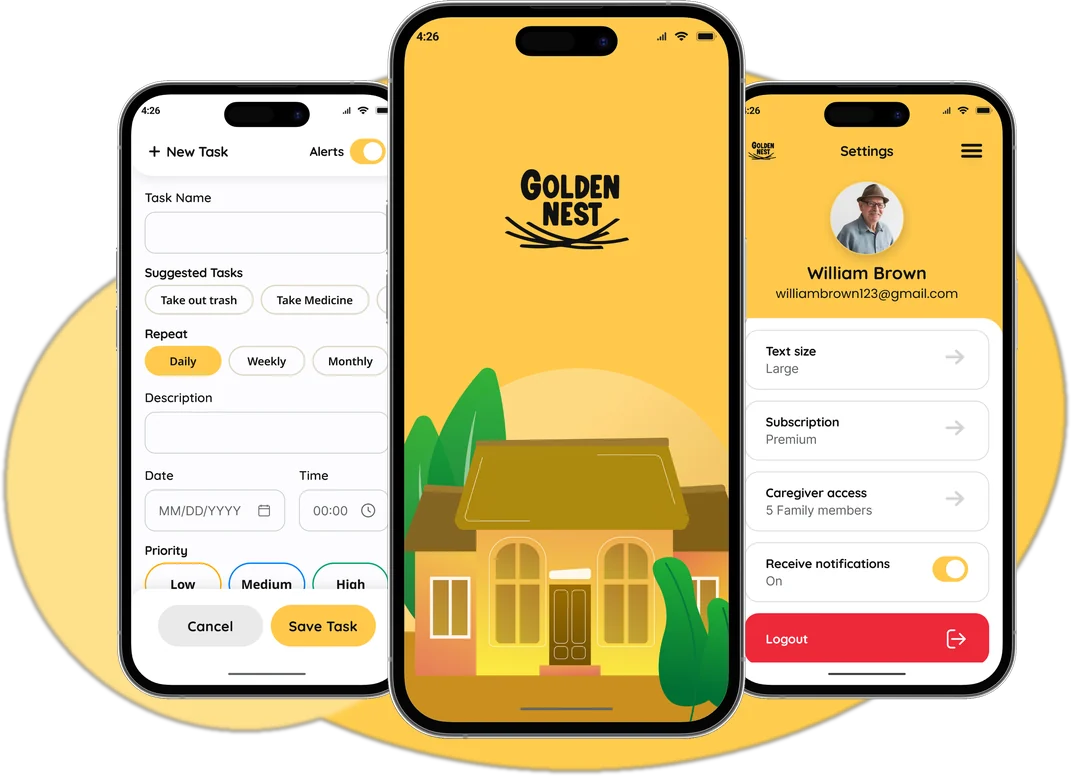
A daily companion app that helps seniors live independently — with reminders, home and garden guidance, and a Circle of Care for family.
Open case study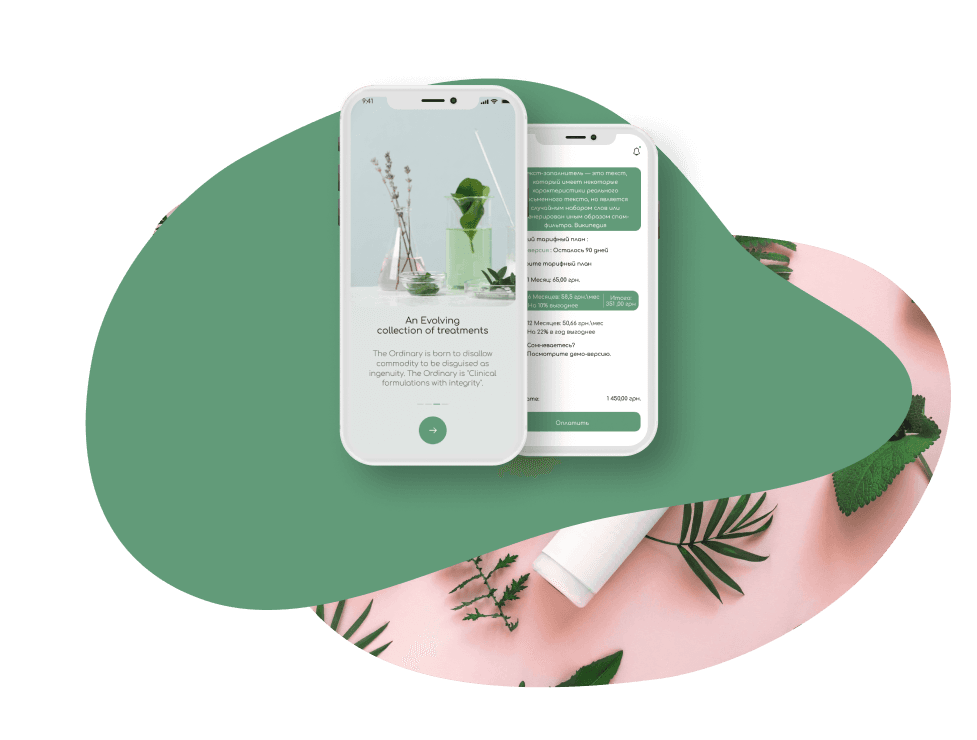
A mobile app with simple, accessible recipes for natural cosmetics, an ingredient calculator and favorites.
Open case study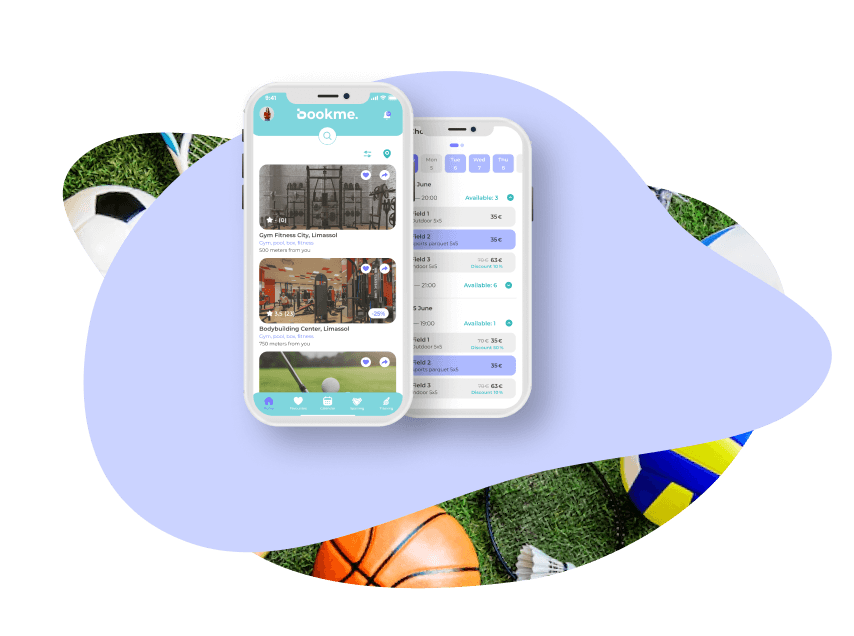
A booking app for sports venues: browse gyms, see the class calendar, reserve a spot and chat with trainers.
Open case studyGood UI/UX design is mostly invisible: people open the app, do what they came for and leave without thinking about the interface. Getting there takes more research than drawing, and usually means fewer screens, fewer choices per screen and clearer words rather than more decoration. We start by understanding who your users are, where and when they use the product and which two or three tasks matter most, then design the shortest path to each of them.
We move from rough to detailed. User flows and wireframes settle the logic, then a clickable Figma prototype lets you and a handful of real users try the product before development. Even a few sessions usually reveal the confusing steps. Only then do we polish the visual design and build a design system of components, colors, typography and spacing, so the developers on the same team implement screens consistently. If you're still shaping the product, our MVP development guide explains how design fits into a first release.
Accessibility is part of the job, not an add-on. Golden Nest is a companion app for seniors, so we designed it with large text, high contrast, big tap targets and simple, linear flows for medication and task reminders. Family members get a separate read-only Circle of Care, and the app comes with narrated video tutorials. These choices make the app easier for everyone, not only older users. The same principles guide our work on healthcare products, where users may have limited vision or dexterity, and we follow WCAG guidelines throughout.
Different products need a different emphasis. Beauty Craft, a natural cosmetics recipes app, needed filters, an ingredient calculator and favorites that stay simple to use. Bookme, a booking app for gyms and sports venues, needed a venue catalog, a class calendar and a quick reservation flow, plus chat with trainers. Whether you need a full product design or a UX audit of an existing app, get in touch and we'll suggest the right scope.
UX design defines how the product works: user scenarios, structure, navigation and the steps needed to complete a task. UI design defines how it looks: layout, typography, colors, components and visual states. Both matter, but UX decisions come first, because a beautiful screen in the wrong place in the flow still loses users.
For an MVP with a few key scenarios, research, flows, a prototype and the final UI typically take around 3–6 weeks. Larger products with several user roles, web and mobile versions and a full design system take longer. Design usually continues in parallel with development: once the first flows are approved, developers start building them.
We work in Figma for wireframes, prototypes, final screens and the design system. You get access to the files during the project and can leave comments directly on the screens. Prototypes run on your phone through the Figma app, so you can check the experience in your hand rather than on a monitor.
Yes. Golden Nest, our companion app for seniors, uses large text, strong contrast, big tap targets and short, linear flows, plus narrated video tutorials. Designing for older users means fewer options per screen, clear labels instead of icons alone, forgiving inputs and reminders that are hard to miss. Whenever possible, we test with people from the target group.
Yes. We start with a UX audit covering analytics, user feedback, usability heuristics and accessibility. You get a prioritized list of problems and proposed fixes. Then we either redesign the key flows step by step, so users aren't confused by a sudden full change, or create a new design system if the current interface can't be extended.
Both. You can order design separately, but it works best together with development: designers and developers share sprints, so designs account for real data and technical constraints, and developers can ask questions right away. If another team builds the product, we prepare specifications, screen states and components so the handoff is clear.
HealthTech, AgeTech and medical education apps with clear UX, reliable reminders, caregiver access and privacy planned from day one.
Learn moreBooking apps for venues and services, and travel apps with offline maps, audio guides, in-app chat, calendars and notifications.
Learn moreRestaurant, café and food delivery apps: digital menus, QR ordering, payments, staff and courier apps, stop lists and loyalty.
Learn moreTell us what you want to build. Within one business day we reply with a recommended scope, rough timeline, team shape and budget range.